4K & 8K Projectors › Epson projectors
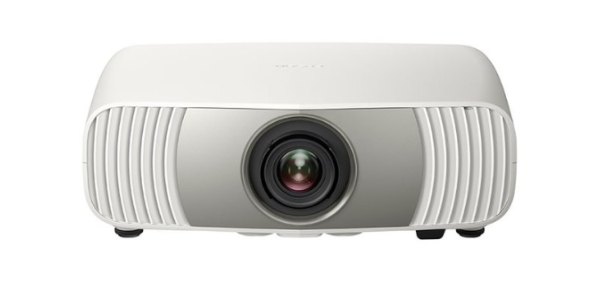
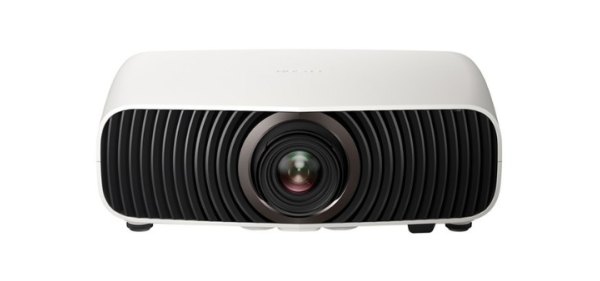
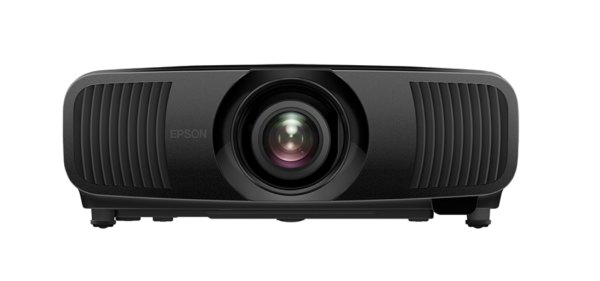
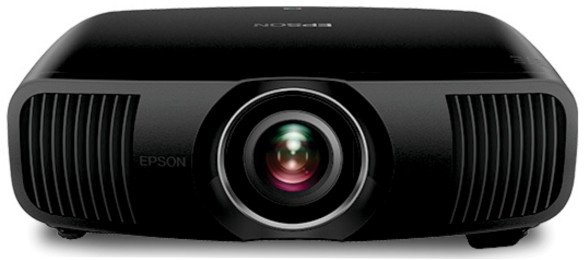
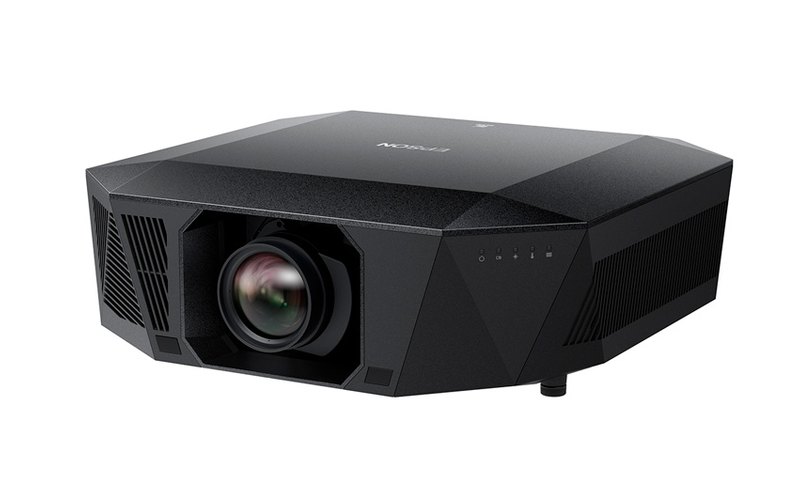
Epson EH-QL3000B
Epson’s newest native 4K laser projector available in Australia, with up to 6,000 lumens.
RRP $24,999
Low stock
Call (07) 5408 3314 for our best price
Free shipping Australia wide
- 4K display technology with HDR10
- Up to 6,000 lumens of equal colour and white brightness
- Picture up to 300 inches
- True 3-chip 3LCD technology
- Optional Epson precision lenses to suit your throw ratio
Lenses are optional extras. Full Australian warranty. Order on the next page, no cart and no account needed.
Out of stock This model is out of stock at the moment. Send an enquiry and we let you know when it is due, or call the office.
Back orders Taking back orders for the next shipment: order now and we confirm a small deposit, fully refundable if you change your mind, and the due date with you. We do not charge restocking fees.
Secure payment Pay via PayID or bank deposit online, or with Visa and Mastercard through eWAY Australia.
Secure payment No card payment is taken now.
Back orders We take back orders when JVC and Epson models are out of stock, with minimal deposit, fully refundable if you change your mind. We do not charge restocking fees.
Price you were quoted? Let us know the price quoted and we’ll do our best to beat it.
Goes with it
About the Epson EH-QL3000B
The Epson EH-QL3000B is Epson’s newest native 4K laser projector available in Australia, with a range of add-on lenses to suit different throw ratios. RRP $24,999, not including lenses.
- 4K display technology with HDR10 for stunning picture quality
- Up to 6,000 lumens of equal colour and white brightness
- Produces an immersive picture up to 300 inches
- True 3-chip 3LCD technology for exceptional colour
- Compatible with a wide range of optional Epson precision lenses
Call 0402 424 177 for pricing and for advice on the right lens for your room.
Will the Epson EH-QL3000B fit your room?
Work out the distance from the lens to the screen for a Majestic screen size, or the screen that fits the distance you have, from Epson’s published throw ratio of 1.52 to 2.47 (with the standard lens; other lenses are available).
The calculator needs JavaScript. Throw ratio 1.52 to 2.47: multiply the picture width by these numbers for the nearest and farthest lens positions.
How to use the projection calculator
- Drag the sliders (or type the numbers): the distance from the projector’s lens to the screen, the picture size as a diagonal, and the lens setting from no zoom to full zoom. With nothing locked, moving the distance or the size keeps the zoom where it is and the other follows, as a projector does when you move it without touching the lens.
- Lock the distance (the projector is in place) and the picture size slides between the smallest and largest it can make there; lock the picture size (the screen is in place) and the distance slides between the nearest and farthest the projector can go. The zoom slider moves whichever one is free.
- Majestic sizes: pick one from the list, or drag to any size. The words under the drawing give the distances that suit the picture, and the Majestic screens that fit at the distance you have. 16:9 (1.78:1) is the normal HD shape; 21:9 Cinemascope (2.37:1) is the wide shape most Majestic screens are made in, and 2.35:1 or 2.40:1 can be made on request.
- The drawings: the front view shows your screen at that size and, with dashed lines, how far the lens can sit from the centre of the picture thanks to the lens shift, without tilting the projector; the side view shows the throw distance. Tick Ceiling mounted to see it hung from the ceiling; table or ceiling makes no difference to the picture.
- Brightness is worked out from the maker’s rated lumens, the picture area and the fabric’s gain (Evo Ultra 4K White 1.26, Evo Grey 0.9, Acoustic Vision 1.16, Dayfire 0.8). The rating is the projector’s brightest mode, so a calibrated cinema mode is dimmer: treat the figure as the top end. Around 14 to 16 foot-lamberts is the cinema reference for a dark room; a room with some light wants 22 or more.
- Measure from the front of the lens. The maker’s figures carry a little tolerance, so leave some room to move, and check the manual before you build anything in. On a Cinemascope screen the 16:9 picture is zoomed to the screen’s width; its extra height falls on the masking.
As a package
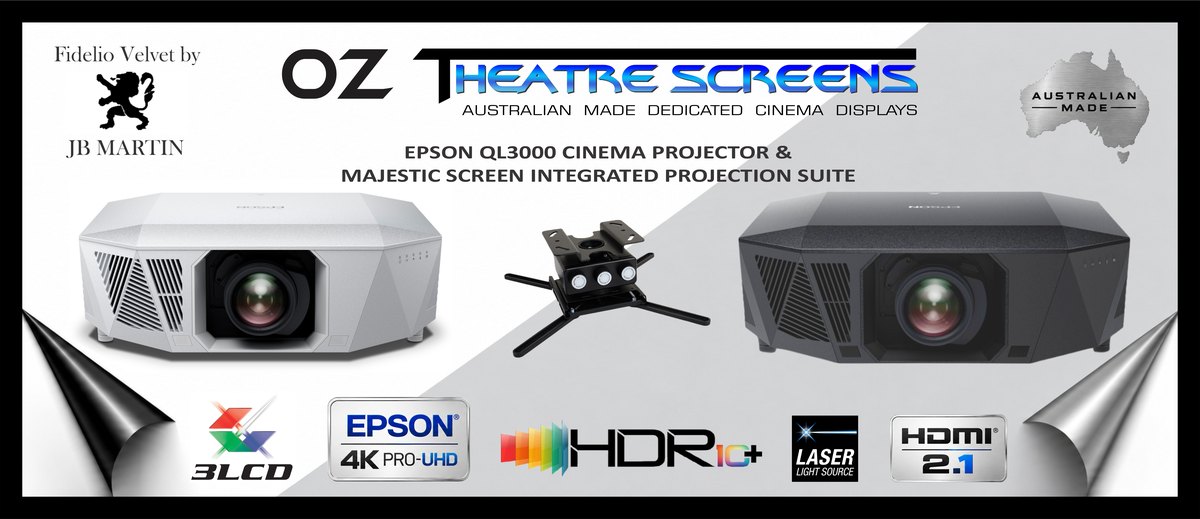
Epson EH-QL3000B package with a 110″ 16:9 Majestic Evo 4K screen: Price on enquiry Build this package ›